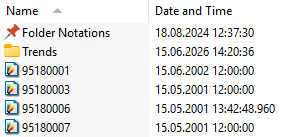
In Organizer mode, folder view modes control how files and folders appear in the Folder Contents window. Use thumbnails to preview images, a compact list to browse file names, or a detailed list to review file information.
To change the view for the open folder, select Thumbnails, Icons, List, or Details from the View menu or the view-modes button.
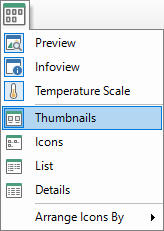
Thumbnails
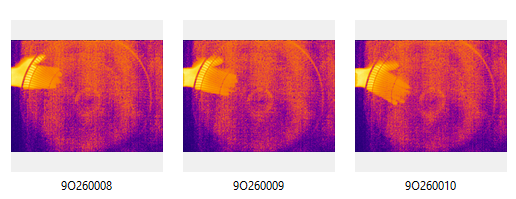
Thumbnails view shows previews of infrared images and other supported files.
Infrared images in Thumbnails view:
|
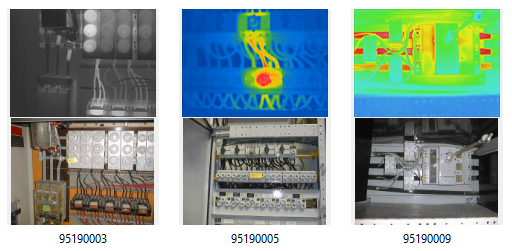
If a folder contains linked infrared and visual images, Thumbnails view shows both linked images one below the other:
|
If a file is not an image, Thumbnails view shows it as a large icon.
Icons
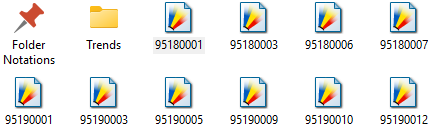
Icons view displays your files and folders as icons.
|
List
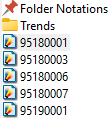
List view displays the contents of a folder as a list of file or folder names preceded by small icons. This view is useful if your folder contains many files and you want to scan the list for a file name. You can sort your files and folders in this view.
|
Details
In Details view, IRT Cronista shows file and folder names together with the date and time when each image or file was created or modified.